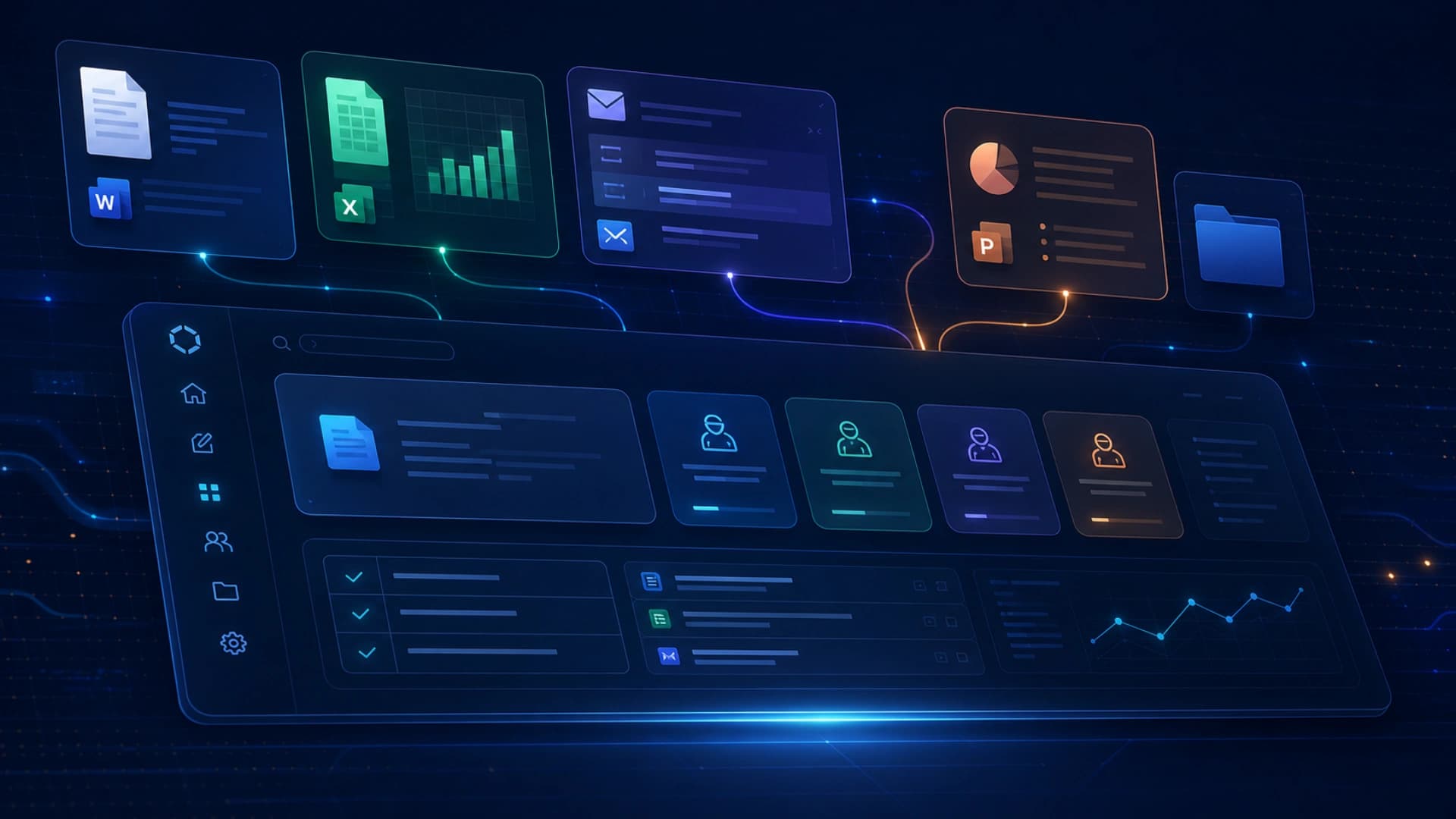
Microsoft's Copilot redesign is clearly aimed at something bigger than a visual refresh. The new experience treats Copilot as a task workspace that moves with the workday, rather than as a chat box sitting on top of familiar apps. The app itself, and the entry points across Microsoft 365, are now cleaner, faster, and more closely aligned with real work rhythms.
The most important shift is the prompt line becoming a task-aware workspace. Copilot is meant to understand what you are trying to do before it surfaces controls and next actions. That progressive-disclosure approach matters for AI interfaces because more capable systems need more intentional boundaries if people are going to trust them.
Microsoft also unified the entry point across Word, Excel, PowerPoint, Outlook, and the rest of the suite, so users can stay in the same work context instead of bouncing between modes. In practice, that matters more than simply having "a chat window." The real friction in office work is often context switching, not generation.
The update also leans into capability-focused agents like Designer, Researcher, Word, Excel, and PowerPoint. That suggests Copilot is moving from a single assistant into a task-oriented work layer. Microsoft says usage increased after the new in-app experiences rolled out, which is another reminder that better design can affect adoption as directly as new features do.
The broader signal is straightforward: AI interfaces are moving beyond better prompting and toward better workflow continuity. Microsoft is trying to make Copilot feel like a part of the document, spreadsheet, deck, and inbox rather than an extra panel on the side.