
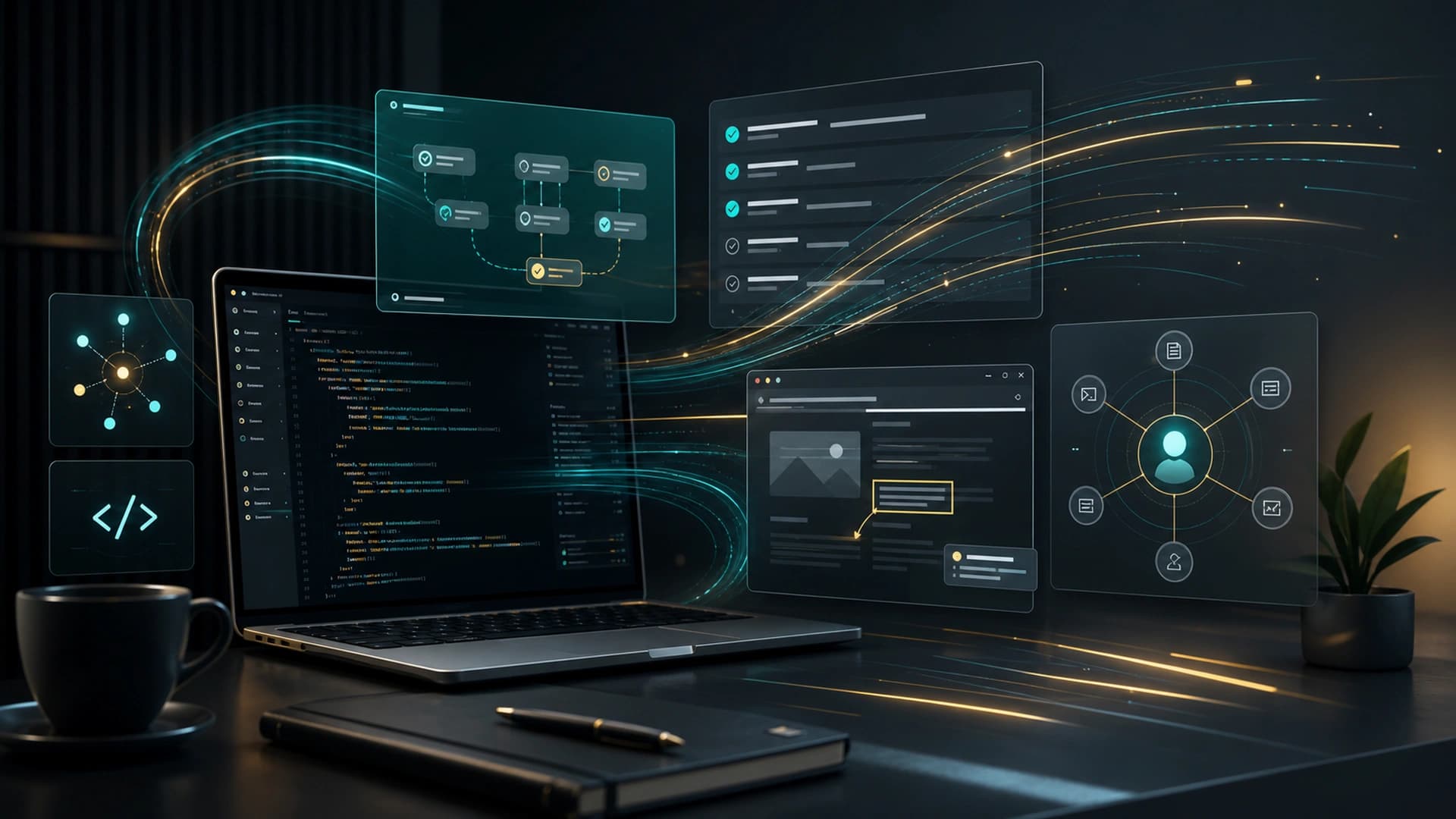
OpenAI updated ChatGPT Enterprise & Edu Release Notes on May 21, 2026, and the center of gravity is clearly Codex. This is not a small UI tweak. It is a step toward longer-running tasks, richer context capture, browser-based feedback, and remote execution that can keep moving after the machine locks. For people using Codex in real development or operations work, these changes affect the daily workflow immediately.
The biggest headline is Goal mode. OpenAI says Goal mode is now generally available across the Codex app, the IDE extension, and the CLI. That means users can define an outcome and success criteria up front, then let Codex keep working toward the goal instead of reissuing a fresh prompt every time. That matters for longer workflows where a single response is not enough and the task needs to move through planning, execution, revision, and validation.
Appshots are another practical addition. On macOS, users can attach an app window to a Codex thread with a hotkey, including a screenshot and the available text. That reduces the friction of turning what is on screen into a useful prompt. For product work, frontend debugging, process review, and operational training, that kind of context capture makes the model much less dependent on a long explanation from the user.
OpenAI also expanded in-app browser annotations so browser-based work can be reviewed more precisely, and it added locked computer use so eligible users can keep Codex working remotely and securely after the Mac locks. That is useful for long test runs, research tasks, and workflows that depend on external systems because the person does not have to keep the screen awake the entire time.
The deeper point is that these features now support a continuous-task model. Goal mode defines the direction, Appshots provide the context, browser annotations improve iteration, and locked computer use keeps the work alive. Together, they make Codex feel less like a traditional chatbot and more like a task-running agent that can stay with the problem.
For enterprises, the question changes too. You are not just choosing a tool. You are designing how goals, context, permissions, and runtime windows fit together. Which tasks can an agent start on its own? Which ones require human approval? Which ones should keep going after the machine locks? Those decisions are quickly becoming part of the operating policy for AI work.