
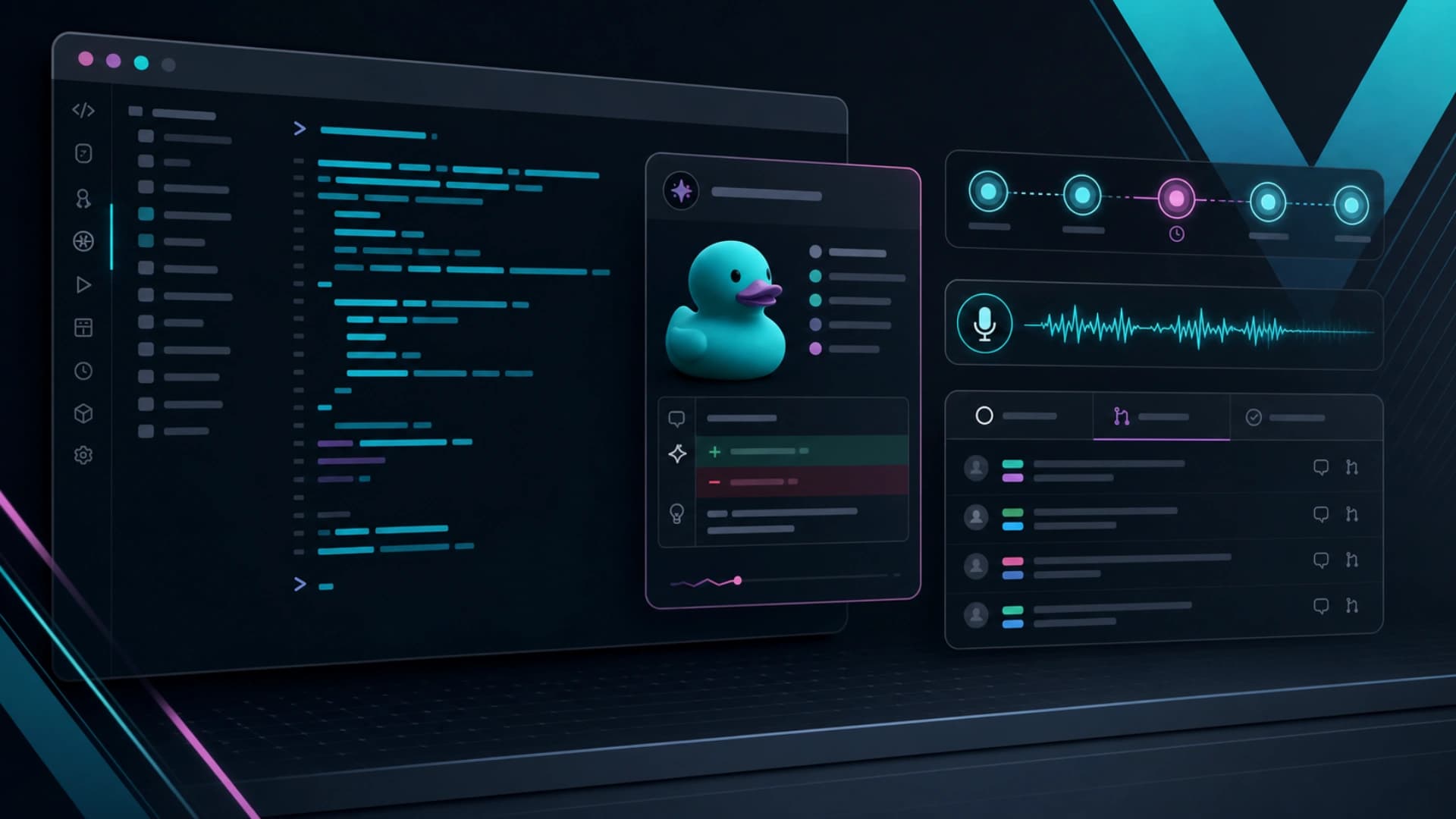
GitHub Copilot CLI 这次更新看似是 terminal 工具改善,但背后其实是 developer agent workflow 正在变得更贴近日常操作。发布内容包括 experimental terminal UI、rubber duck review agent、prompt scheduling 和 voice input,全部都指向同一件事:AI coding agent 不再只是 IDE 侧边栏,而是进入 terminal 工作台。
新的 terminal experience 主打更清晰 layout、theme-aware semantic colors 和 responsive components,并加入 tabs。当 CLI 在 GitHub repository 里面执行时,用户可以切换 Session、Issues、Pull requests 和 Gists,不需要离开 Copilot CLI 就能查看相关工作对象。这对 agent workflow 很重要,因为 agent 常常需要 issue context、PR feedback 和 repo 状态,而不是只看一段 prompt。
Rubber duck 是另一个更有意思的设计。它是一个 built-in CLI agent,负责做 constructive critic。主 agent 可以把现有 plan、design、implementation 或 tests 交给它 review,让它找 blind spots、design flaws 和 substantive issues,再把具体 feedback 交回 Copilot。这其实是把 second-opinion review 放进 agent loop,而不是等人到最后才发现方向错。
Prompt scheduling 则把 CLI 推向更长时间的背景工作。新的 /every 和 /after commands 可以在当前 CLI session 中安排 prompt 或 skill,前者重复执行,后者延迟一次执行。GitHub 在 6 月 3 日更新编者注,说明 prompt scheduling 属于 /experimental。即使仍是实验功能,方向已很清楚:agent 开始处理「之后再做」和「每隔一段时间再查」这类非即时任务。
Voice input 也值得留意,因为它不是云端录音功能。GitHub 表示 hands-free dictation 会在本机运行,第一次启用时才下载 runtime 和选择 speech-to-text model。对经常在 terminal 内工作的开发者来说,本地语音输入可以降低 task handoff 成本,同时保留 audio 在本机。
这次 Copilot CLI 更新的讯号,是 coding agent 正在走向可观察、可排程、可被质疑、可用语音快速委派的操作层。当 terminal 内同时有 issues、PR、review agent、scheduled prompts 和 local voice,agentic development 就不再只是生成 code,而是逐步变成开发者工作流程的一部分。