
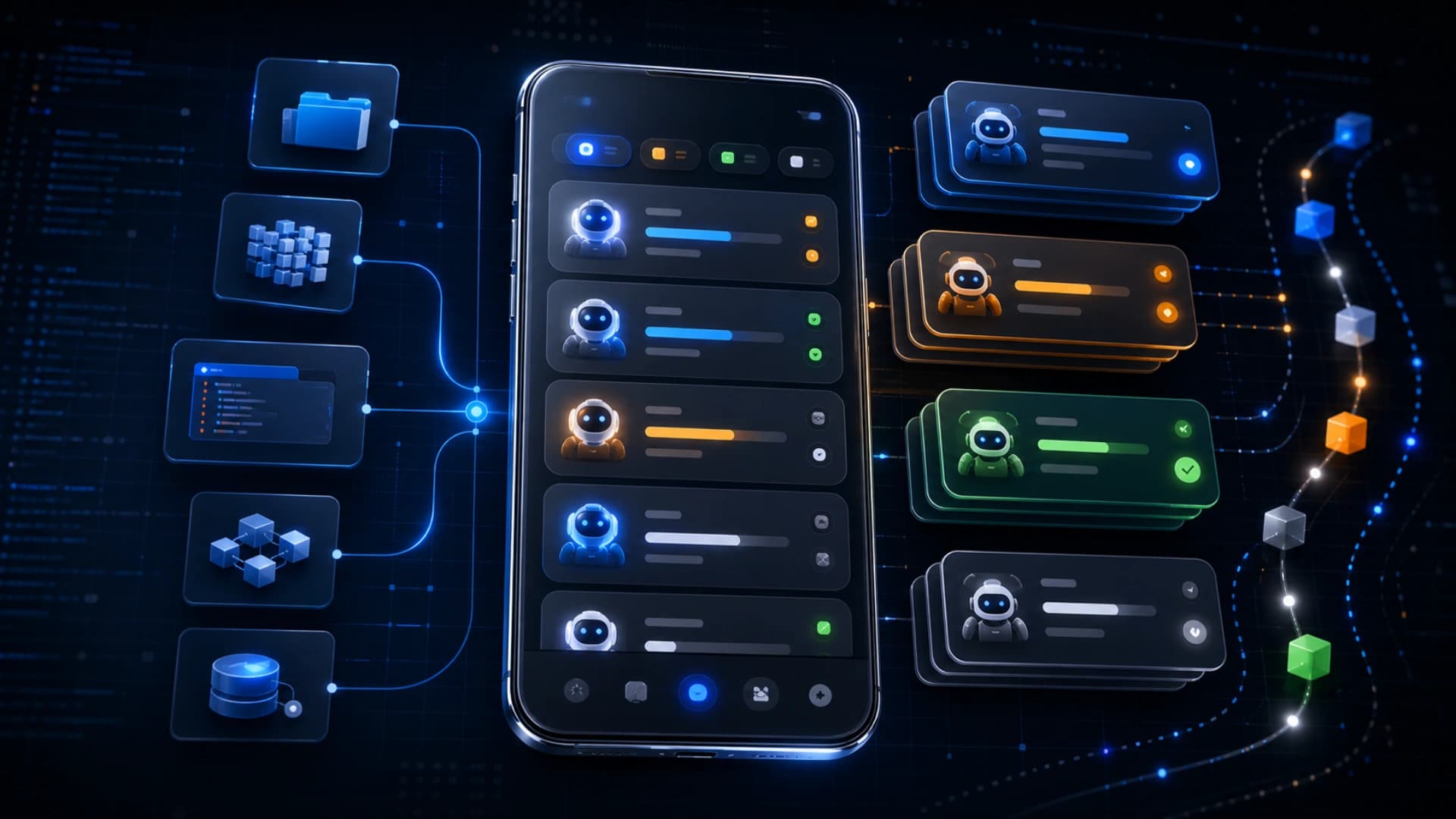
GitHub 在 2026 年 7 月 10 日宣布,GitHub Mobile 已加入更好的 filters 和 sorting,用来管理 Copilot sessions。这看似是一个很小的 mobile update,但它反映了 coding agent workflow 的一个实际问题:当 agent sessions 变多,开发者需要管理的已不只是 code,而是一批正在进行、等待注意或已完成的任务。
这次更新让用户可以用 lightweight filters 收窄 session list,包括 Active、Status、Repository、Type、Agent 和 Sort。GitHub 也指出,这些 controls 可以帮助开发者快速找到 active、completed、needs your attention,或与特定 repository 和 session type 有关的 sessions。
Sorting 也是重点。GitHub Mobile 现在可以按 most recent、oldest、active first、needs-attention first 等方式整理 sessions,而且改变排序时会保留目前 filter context。这种细节在普通列表功能里不算特别,但放在 agent workflow 里很重要,因为人需要快速知道哪些任务要接手、哪些可以等待、哪些已经完成。
过去开发工具的 inbox 通常是 issues、pull requests、reviews 和 notifications。Copilot sessions 加入 mobile filters,代表另一种 inbox 正在形成:AI agent 执行中的工作。当 Copilot cloud agent、Copilot CLI、mobile notifications 和 repository tasks 连在一起,开发者会开始在手机上处理 agent 状态,而不只是查看 repo 动态。
这也改变了 mobile developer workflow 的定位。手机不一定是写 code 的主要地方,但很适合做 triage、approval、status review 和 handoff。当 agent 已经可以在背景处理任务,人类在 mobile 上最需要的是判断:哪一个 session 卡住了?哪一个需要人工确认?哪一个 repository 的任务优先?
GitHub 最近几天的 changelog 也有同一条线索,包括 GitHub Mobile 修复 Copilot cloud agent merge conflicts、live notifications for Copilot CLI sessions、enterprise managed settings,以及 Copilot usage 和 budget controls。这些更新分开看都很小,但合起来是 coding agent 由「单次互动」走向「可管理工作队列」的基础设施。
对企业开发团队来说,这类功能会越来越重要。Agent session 如果没有状态、排序、筛选、通知和成本控制,很快就会变成另一种噪音。真正成熟的 coding agent platform,不只要懂写 code,也要让团队知道每个 agent 正在做什么、是否需要人介入、成本是否仍在控制范围内。
这次 GitHub Mobile 更新的意义不在于几个 filter 名称,而在于它承认 agent work 会累积成列表。当 coding agent 成为日常工作一部分,session management、attention management 和 repository-level context 会变成开发工具的基本能力。