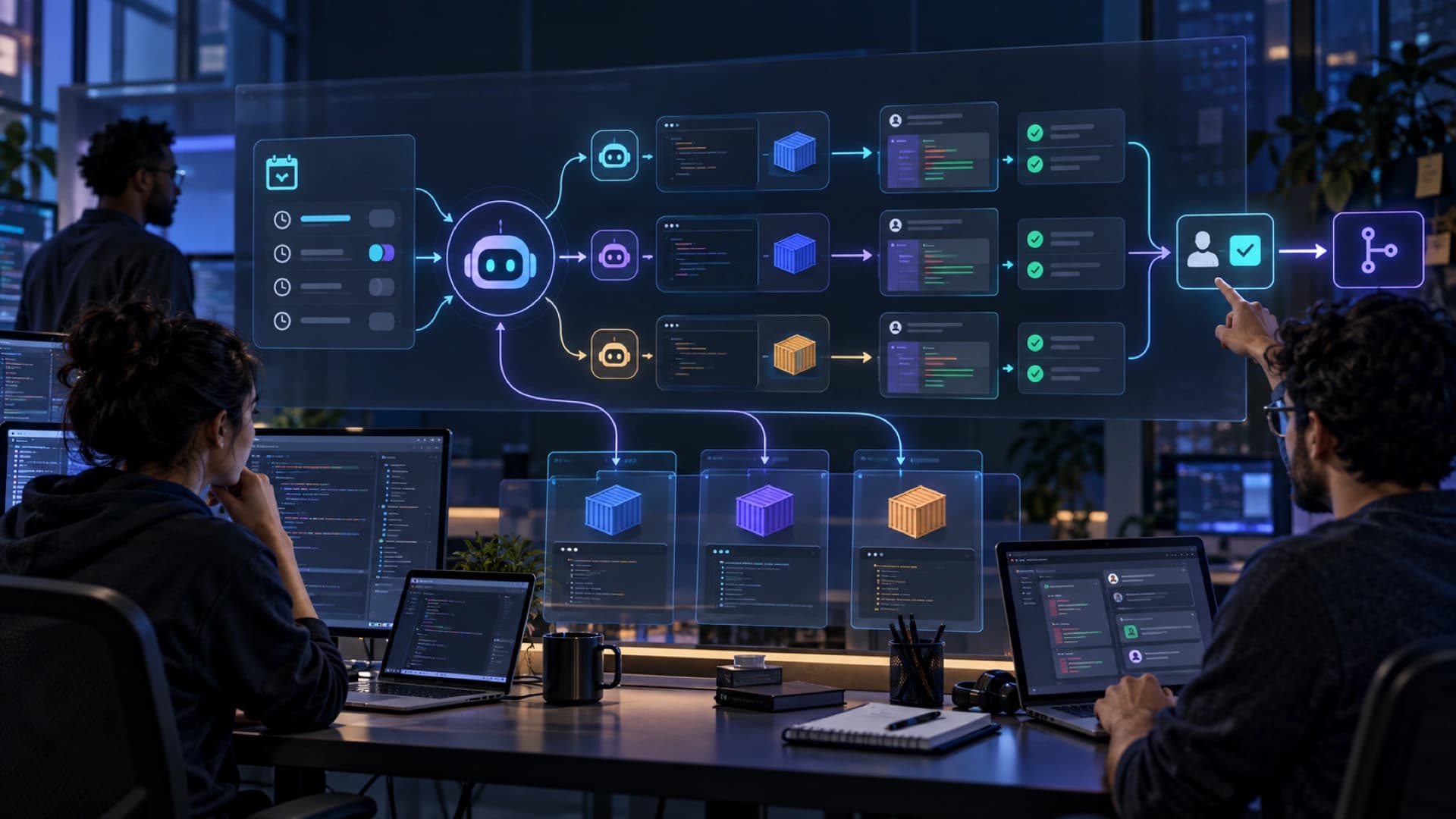
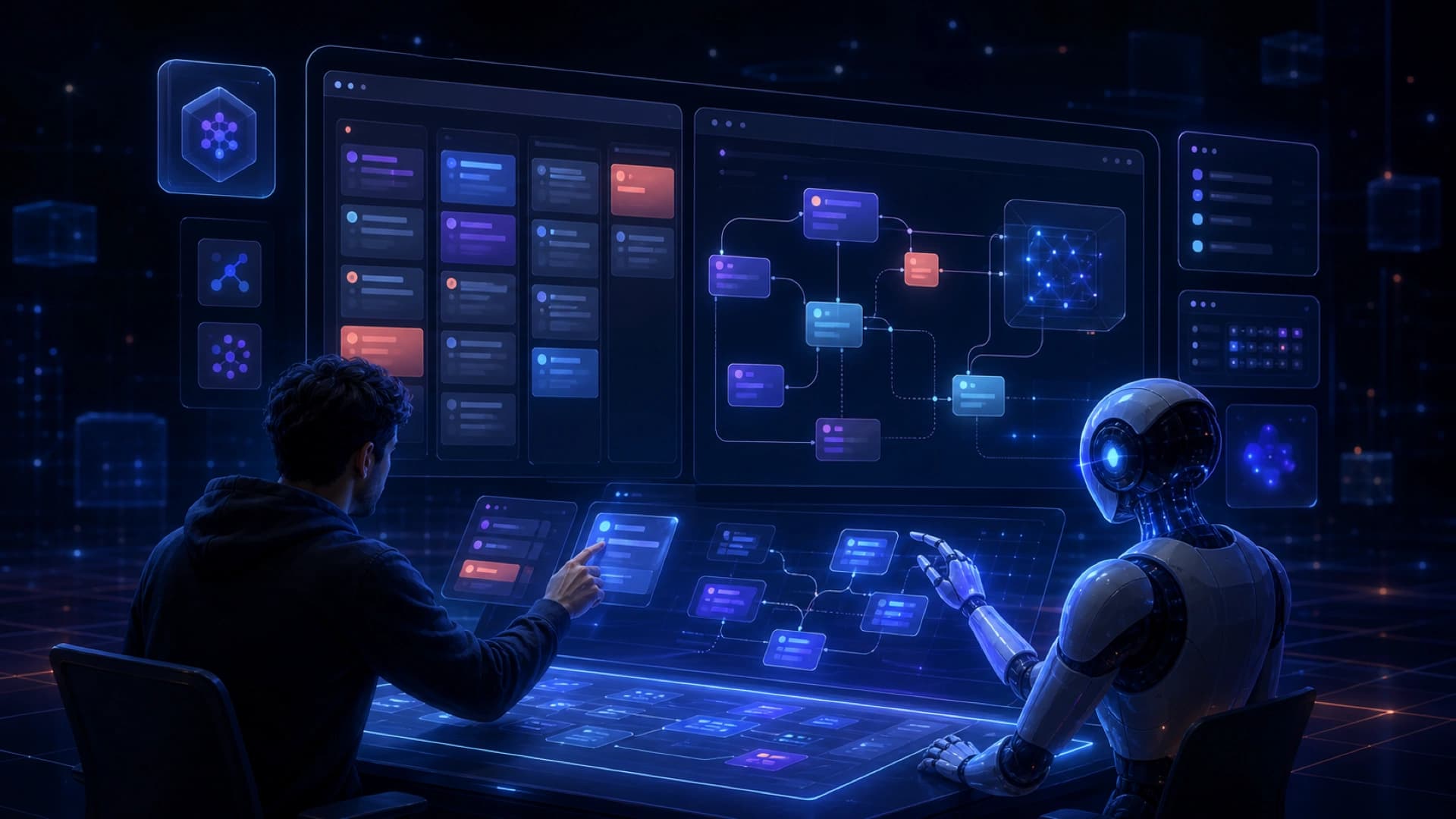
On July 21, 2026, GitHub introduced Copilot canvases, putting a conversational Copilot agent inside an interactive workspace. The idea is aimed at tasks that need visualization, filtering, clicking, and incremental editing rather than another sequence of text prompts.
GitHub describes a canvas as an extension of the Copilot app. The agent can update the canvas while it works, while the developer can click, edit, and interact with the same surface. Those interactions can be sent back to the agent or processed locally by the canvas. For work that combines information gathering with decisions and actions, this is closer to a workbench than a chat transcript.
The examples in the article include a card-based GitHub Issues triage helper, an interactive codebase diagram, and a view of Copilot sessions and their associated worktrees. Other examples use a canvas to coach prompts or find people with knowledge across Slack, Teams, email, and documents. The same surface can therefore support inspection, decision-making, and follow-up work.
Another important detail is that a canvas can evolve with the agent. A user can ask Copilot to add capabilities, refine the layout, or change how the interaction works instead of starting over each time. That moves the agent from a one-off generator toward a shared workspace, although people still need to check whether generated data and actions are correct.
GitHub recommends using /create-canvas in an agent session in the Copilot app. The article is a product guide with examples, not an independent study of team productivity, accuracy, or cost. The examples should therefore not be treated as evidence that every software workflow will improve by the same amount.
The broader significance is that canvases put understanding and action on the same surface. When a task involves backlog triage, relationships between files, process state, or competing options, people need to see the intermediate state and intervene at meaningful points. An interactive workspace does not automatically make an agent more autonomous, but it can make the connection between reasoning, output, and human decisions easier to manage.
Teams adopting this pattern should define which interactions the agent may execute, which are local previews, and which require confirmation. Permissions, data provenance, generated-UI testing, and action logs matter just as much as the visual experience.