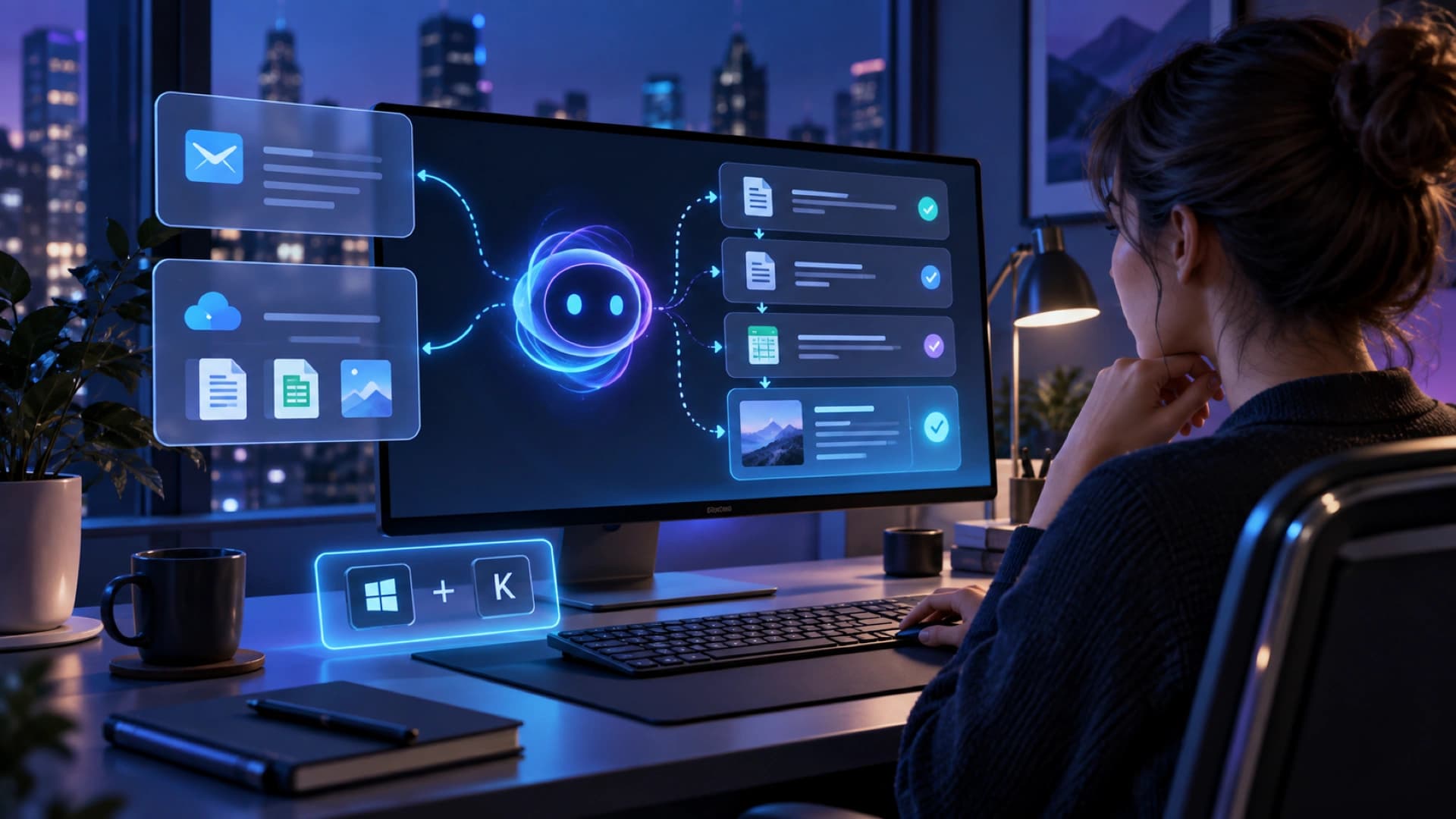
Google launched the Gemini app for Windows on September 10, 2026, giving Windows 10 and 11 users a desktop entry point through the Alt + Space shortcut. On the surface this is a client release. More importantly, it moves Gemini from a browser conversation toward an assistant that can appear inside the user’s working rhythm.
Google lists drafting documents, managing tasks, organizing files, writing summaries, and creating images among the everyday uses. The shortcut is valuable because a user can ask a question, check information, or request the next step without leaving the application already in use. That makes the interaction easier to repeat, but it does not mean every task should be delegated automatically.
The desktop app also provides a dedicated workspace for capabilities already available in Gemini. Google specifically says users can hand off multi-step tasks to Gemini Spark or ask Gemini to pull information from Google apps such as Gmail and Google Drive to draft a project summary. The app becomes a front end that connects conversation, cloud context, and follow-up work.
Google describes Gemini Spark in the announcement as a 24/7 personal AI agent. That points Gemini beyond a system that only responds to a prompt and toward one that can carry a longer goal or task. The exact Google apps Spark can read, the actions it can take, and which steps need user confirmation still depend on account eligibility, connection settings, and the rollout available to a user.
The Windows app also brings Nano Banana and Gemini Omni into the creative workflow for image and video creation. Putting text, documents, images, and video in one entry point can help with marketing and presentations. Enterprises still need to manage asset rights, brand approval, data exposure, and factual review of generated material.
The broader product signal is that an agent’s value is moving from answer quality alone to how closely it fits the user’s existing work rhythm. A shortcut, desktop layer, Google app context, and Spark handoff all reduce switching cost. They also make permissions, visible data, and action logs more important because the agent is easier to invoke.
Google says the Windows app is available globally for Windows 10 and 11, while Gemini Spark and some capabilities require a Google AI subscription and vary by availability. That distinction matters: an app being downloadable does not mean every user receives the same agent capabilities. Teams should verify region, plan, connectors, and data policy before rollout.
The Gemini app for Windows therefore makes the desktop a closer operating surface for an AI assistant while delegating longer work to Spark and related agents. Whether it changes work depends on controlled data scope, approval points, and failure handling. The desktop app answers how a user starts; the organization still has to define what the agent may do and when it must ask a person.