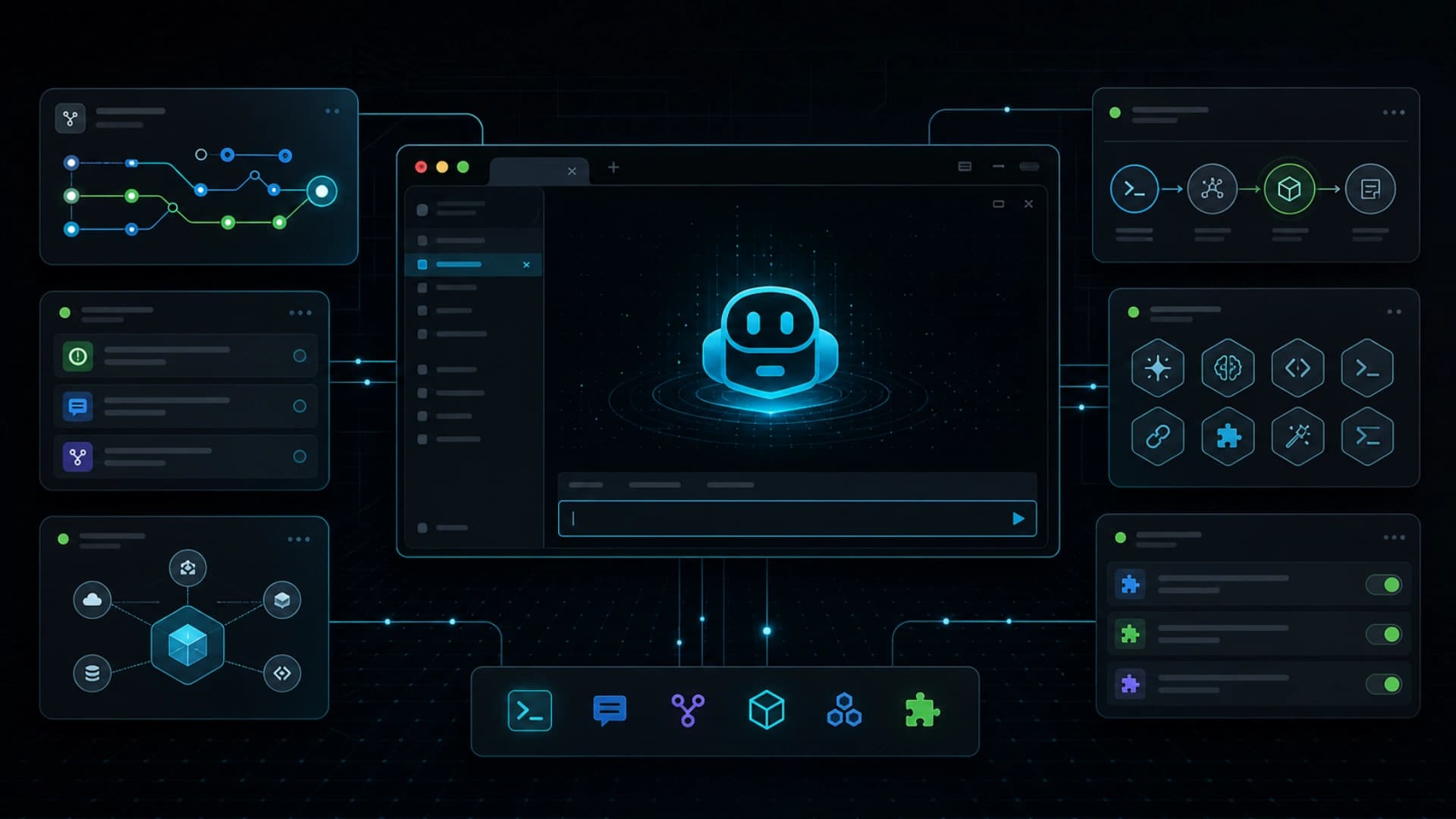
GitHub 在 2026 年 6 月 23 日宣布 Copilot CLI 的 redesigned terminal interface 正式可用。這不是 Copilot CLI 首次推出,而是 Microsoft Build 2026 preview 後的新 terminal experience 進入 GA。重點包括 tabbed layout、在 terminal 直接處理 GitHub 工作、工具與 plugin 設定流程,以及更乾淨和更易存取的介面。
這個更新值得留意,因為 AI coding agent 的主戰場不一定只在 IDE。很多開發工作仍然圍繞 terminal、GitHub CLI、issue、pull request、gist、script、local repo 和 CI log。當 Copilot CLI 把這些表面集中在命令列,agentic development 會更接近工程師原本的工作節奏。
新的 tabbed layout 讓使用者可以在同一個 terminal interface 內切換 GitHub contexts。這對 agent workflow 很有用,因為開發任務很少只是一條 prompt。通常要看 issue、查 repo、讀 diff、開 PR、回 comment、跑測試,再回到修正。把這些上下文留在 terminal,可以減少工具切換和資訊斷裂。
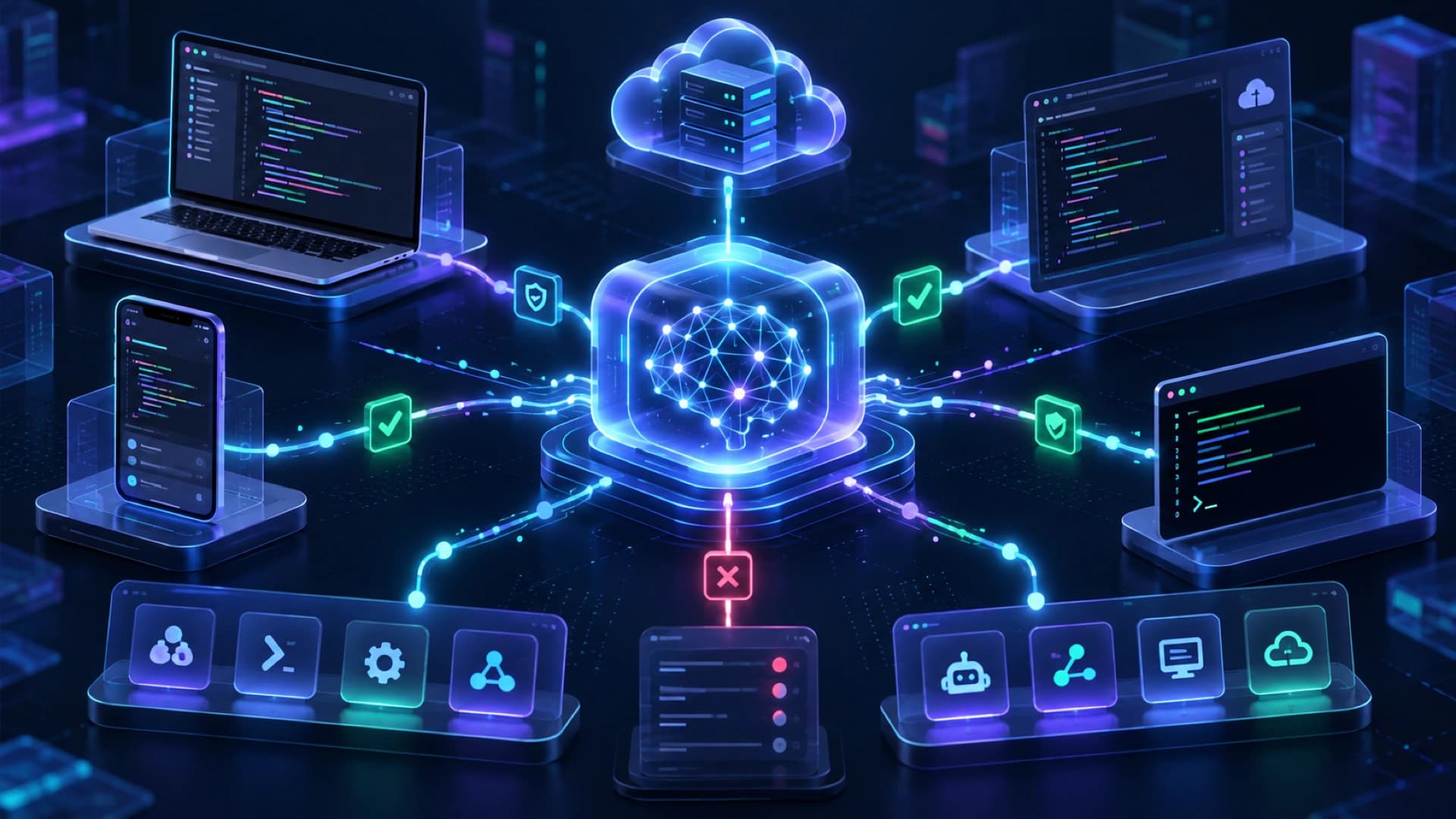
GitHub 也強調工具配置體驗更新,包括 MCP server、custom skills 和 plugins 的 guided setup。這是這次發布最接近 agent platform 的部分。Agent 不只需要模型,還需要能接觸工具、讀寫資料、理解專案規則和按團隊流程執行。CLI 把 setup 放在 developer 本來熟悉的位置,有助降低 adoption friction。
Accessibility 和 theme 支援看似是介面細節,但對 production tool 也很重要。AI coding 工具如果要成為日常工作入口,就不能只靠 demo UI。它需要穩定、可讀、可配置,並且適合不同開發環境。GitHub 把 terminal interface 做成正式 GA,代表這個入口正在由實驗功能變成主流 workflow。
這次更新也呼應 AI coding 工具的走向:agent 不再只是 editor 裏的 autocomplete,而是跨 issue、repo、PR、terminal command 和外部工具的工作層。當 CLI 可以管理 tab、工具、plugin 和 GitHub contexts,開發者就更容易把「從 issue 到 commit」的過程交給 agent 分段完成。
更大的啟示是,AI developer tools 會逐步分成幾個互補入口:IDE 適合即時編碼,web 適合 review 和 async agent session,CLI 則適合本機操作、script、環境檢查和工具串接。Copilot CLI 新介面 GA,正是 terminal 成為 agentic workflow 表面的明確訊號。