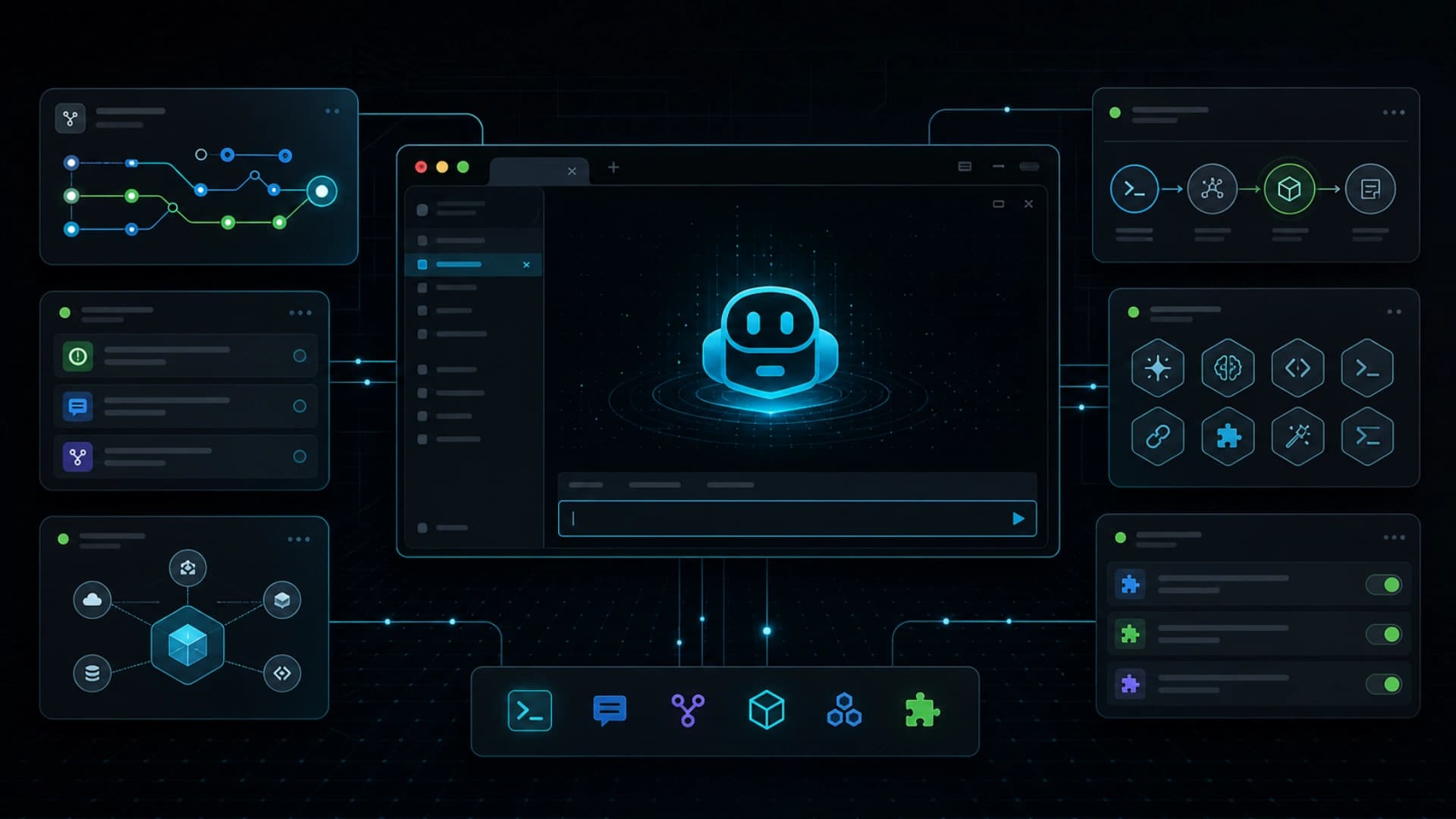
GitHub 在 2026 年 6 月 23 日宣布 Copilot CLI 的 redesigned terminal interface 正式可用。这不是 Copilot CLI 首次推出,而是 Microsoft Build 2026 preview 后的新 terminal experience 进入 GA。重点包括 tabbed layout、在 terminal 直接处理 GitHub 工作、工具与 plugin 设定流程,以及更干净和更易存取的界面。
这个更新值得留意,因为 AI coding agent 的主战场不一定只在 IDE。很多开发工作仍然围绕 terminal、GitHub CLI、issue、pull request、gist、script、local repo 和 CI log。当 Copilot CLI 把这些表面集中在命令行,agentic development 会更接近工程师原本的工作节奏。
新的 tabbed layout 让用户可以在同一个 terminal interface 内切换 GitHub contexts。这对 agent workflow 很有用,因为开发任务很少只是一条 prompt。通常要看 issue、查 repo、读 diff、开 PR、回 comment、跑测试,再回到修正。把这些上下文留在 terminal,可以减少工具切换和资讯断裂。
GitHub 也强调工具配置体验更新,包括 MCP server、custom skills 和 plugins 的 guided setup。这是这次发布最接近 agent platform 的部分。Agent 不只需要模型,还需要能接触工具、读写资料、理解项目规则和按团队流程执行。CLI 把 setup 放在 developer 本来熟悉的位置,有助降低 adoption friction。
Accessibility 和 theme 支持看似是界面细节,但对 production tool 也很重要。AI coding 工具如果要成为日常工作入口,就不能只靠 demo UI。它需要稳定、可读、可配置,并且适合不同开发环境。GitHub 把 terminal interface 做成正式 GA,代表这个入口正在由实验功能变成主流 workflow。
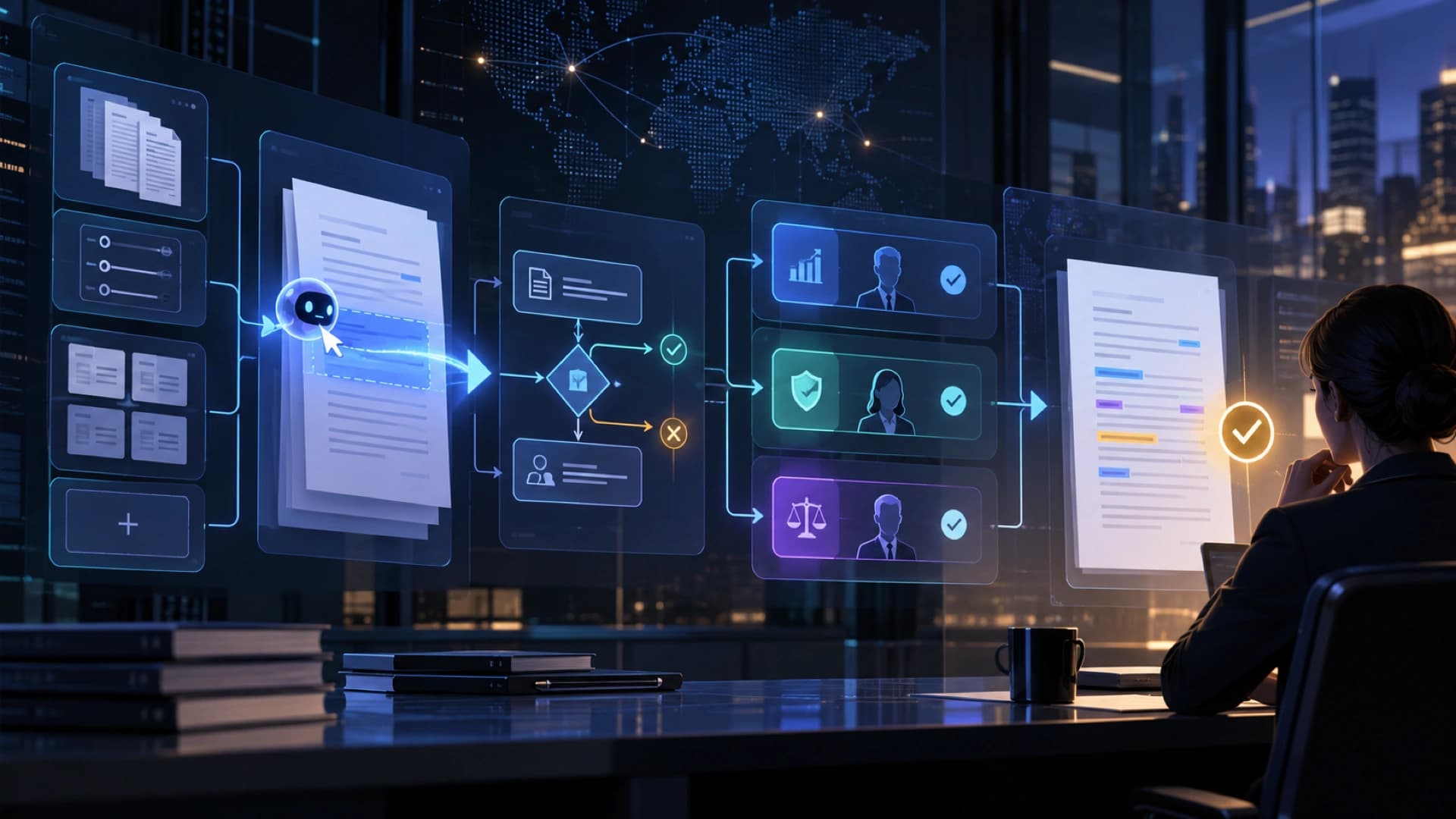
这次更新也呼应 AI coding 工具的走向:agent 不再只是 editor 里的 autocomplete,而是跨 issue、repo、PR、terminal command 和外部工具的工作层。当 CLI 可以管理 tab、工具、plugin 和 GitHub contexts,开发者就更容易把「从 issue 到 commit」的过程交给 agent 分段完成。
更大的启示是,AI developer tools 会逐步分成几个互补入口:IDE 适合即时编码,web 适合 review 和 async agent session,CLI 则适合本机操作、script、环境检查和工具串接。Copilot CLI 新界面 GA,正是 terminal 成为 agentic workflow 表面的明确讯号。