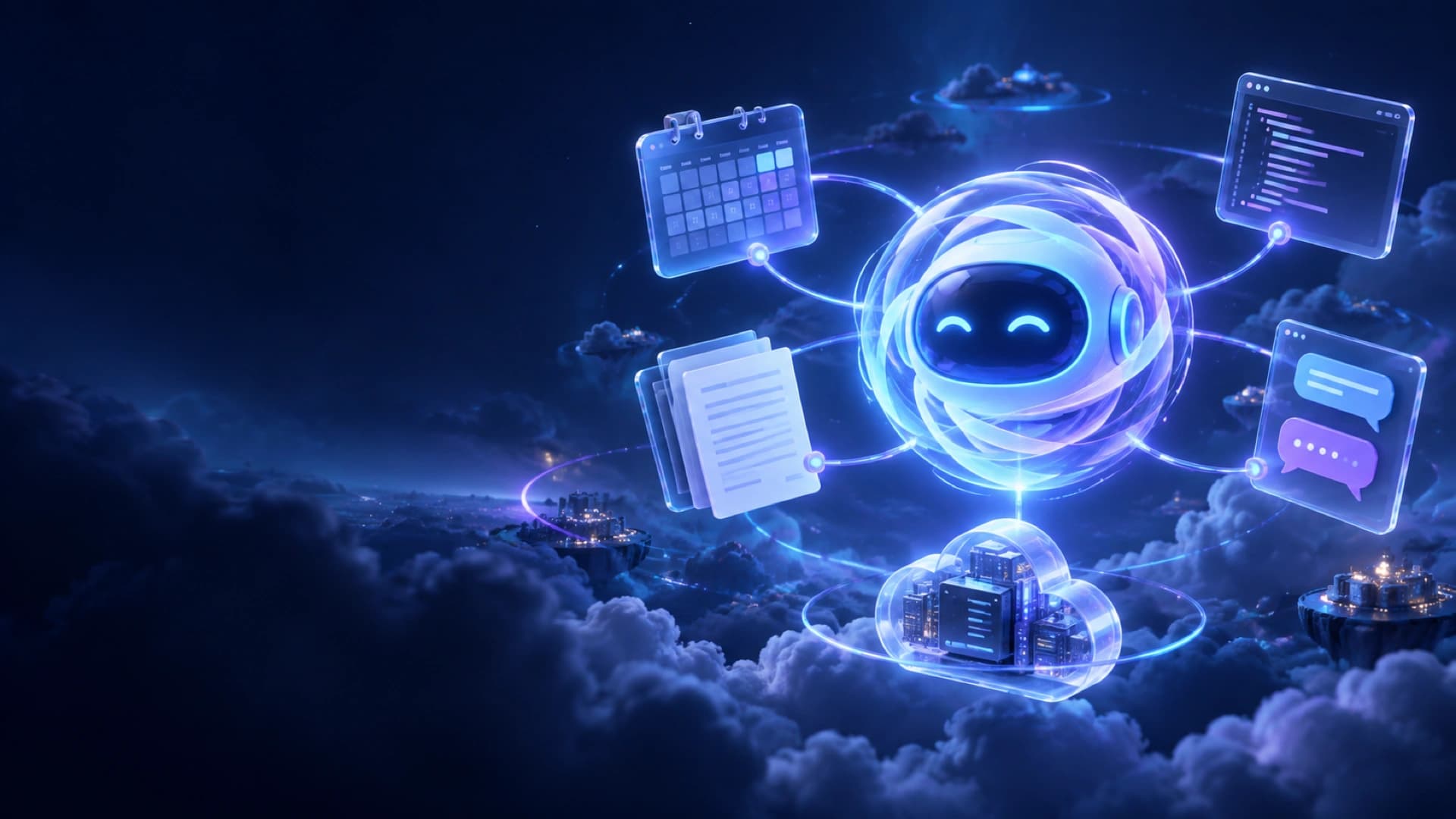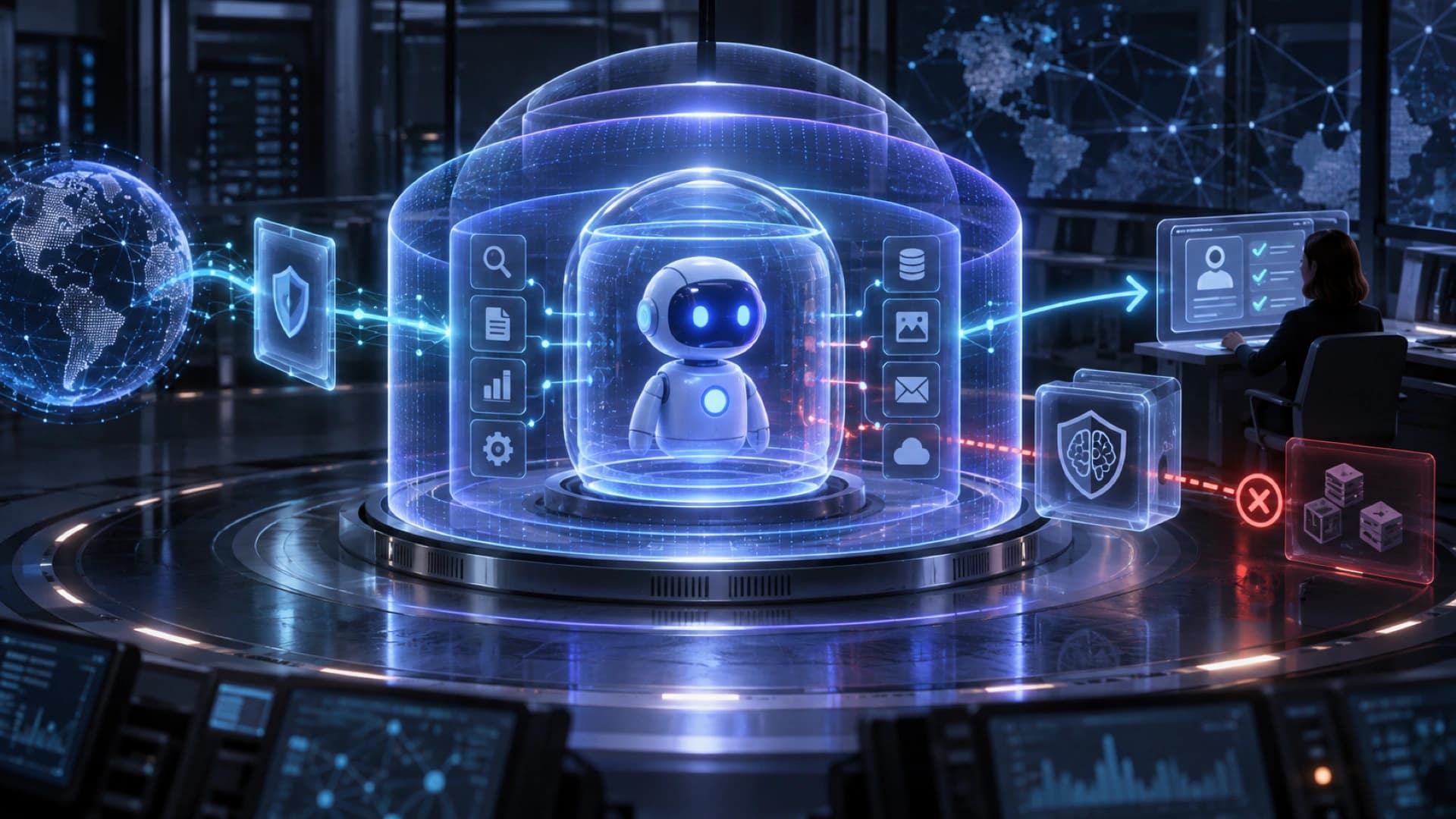
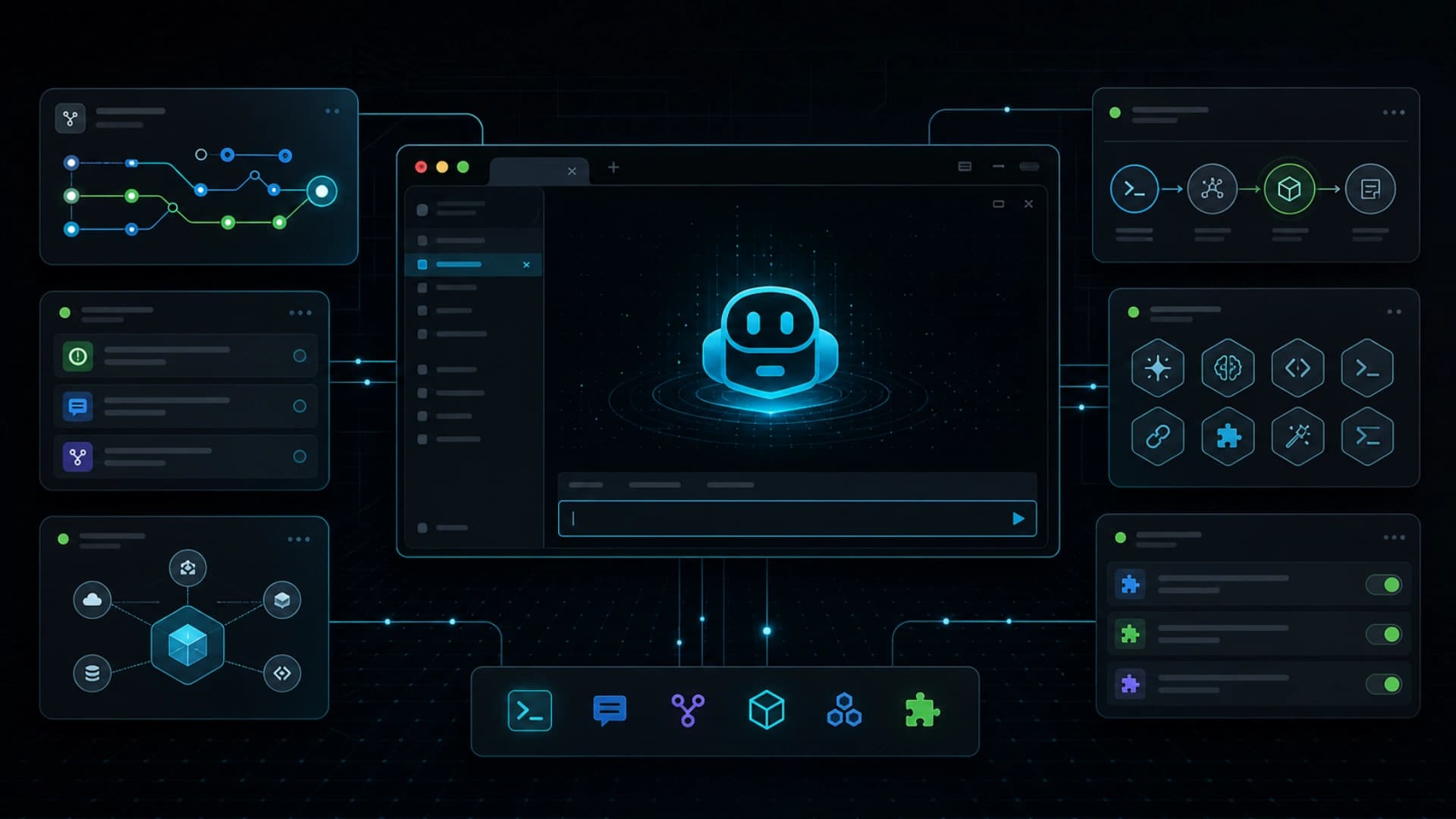
GitHub announced on June 23, 2026 that the redesigned terminal interface for Copilot CLI is generally available. This is not the first launch of Copilot CLI. It is the new terminal experience previewed at Microsoft Build 2026 moving into GA. The update adds a tabbed layout, direct GitHub workflows in the terminal, guided tool and plugin setup, and a cleaner, more accessible interface.
The update matters because AI coding agents do not only live in IDEs. A large part of development still happens around the terminal, GitHub CLI, issues, pull requests, gists, scripts, local repos, and CI logs. By consolidating those surfaces in the command line, Copilot CLI moves agentic development closer to the way many engineers already work.
The new tabbed layout lets users switch between GitHub contexts inside the same terminal interface. That helps agent workflows because development tasks are rarely one prompt. A task often requires reading an issue, checking the repo, inspecting a diff, opening a pull request, replying to comments, running tests, and returning to a fix. Keeping those contexts in the terminal reduces tool switching and context loss.
GitHub also highlights a better setup flow for tools, including MCP servers, custom skills, and plugins. That is the most agent-platform-like part of the release. Agents need more than models. They need access to tools, data, project rules, and team workflows. Putting setup in the developer's existing command-line environment lowers the friction to adoption.
Accessibility and theme support may sound like interface details, but they matter for production tools. If an AI coding tool is going to become a daily work surface, it cannot only be a demo UI. It needs to be stable, readable, configurable, and usable across different development setups. Moving the terminal interface to GA signals that this entry point is becoming part of the mainstream workflow.
The release also reflects the direction of AI coding tools. An agent is no longer only autocomplete inside an editor. It is a work layer spanning issues, repos, pull requests, terminal commands, and external tools. When a CLI can manage tabs, tools, plugins, and GitHub contexts, developers can more naturally delegate the path from issue to commit in stages.
The bigger takeaway is that AI developer tools are splitting into complementary surfaces. IDEs are strong for immediate coding. The web is useful for review and asynchronous agent sessions. The CLI is best for local operations, scripts, environment checks, and tool integration. Copilot CLI's new interface reaching GA is a clear signal that the terminal is becoming an agentic workflow surface.